

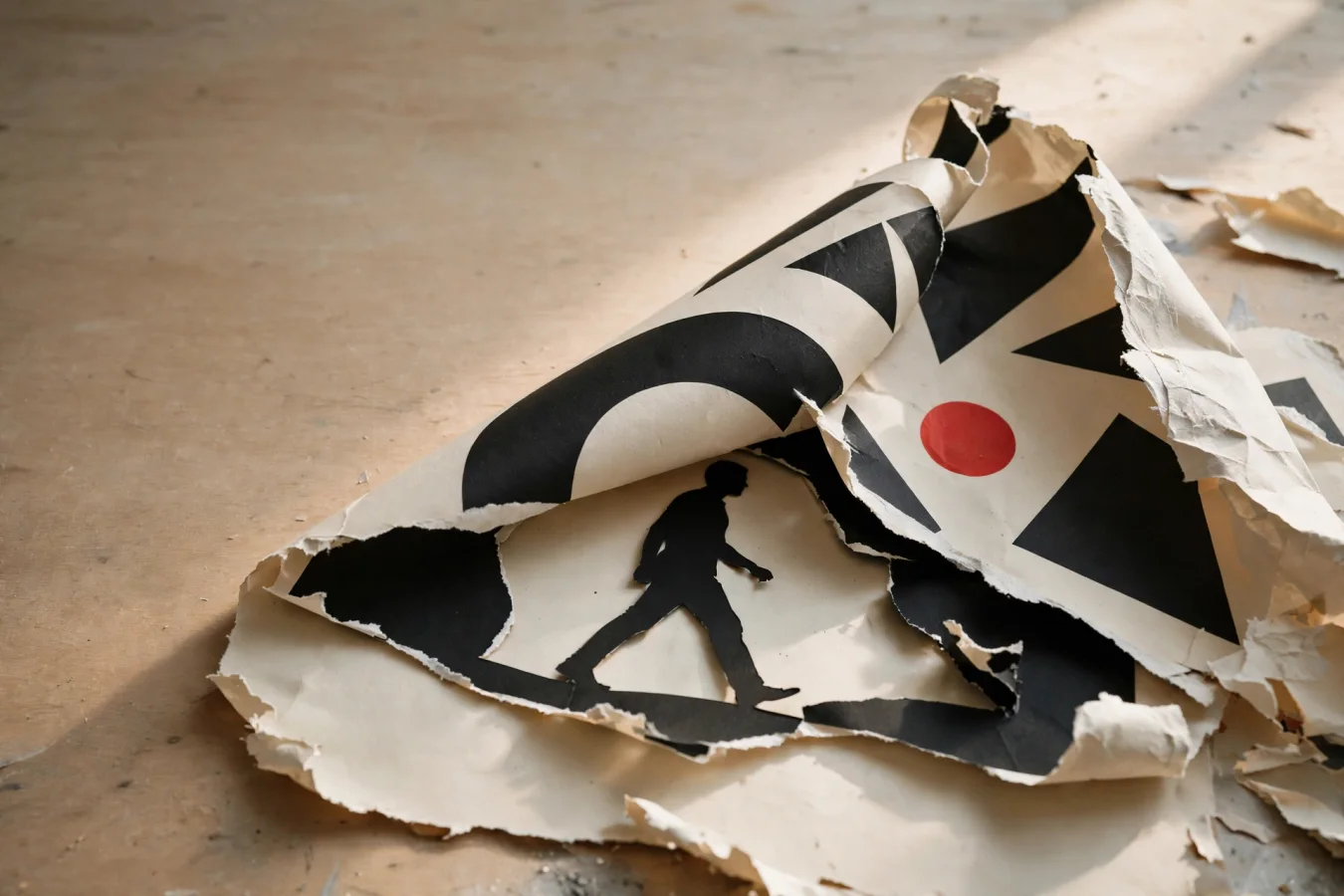
A poster made by Seedream 5.0 Pro isn't one thing, but four. ByteDance's new image model can take a finished design and split it into editable layers — text, subject, background, and decoration — and reconstruct the background where the subject hid it. That's not a trick for prettier pictures. That's the file structure of a design program.
The model was launched by ByteDance Seed on July 8, 2026, and covered by TestingCatalog the next day, in a week when Meta also rolled out its own image tool, Muse Image, across Instagram Stories, WhatsApp, and the Meta AI app. But where Muse launches as an image generator inside social media, Seedream 5.0 Pro is explicitly positioned for production design: dense visual layouts, localized text, controlled edits, and reusable design assets from prompt and reference input.
Four Upgrades, One Workflow
According to TestingCatalog, the Pro model brings four core upgrades: complex information visualization, precision editing, realistic image and portrait texture, and native multilingual input and generation. ByteDance claims the model can turn data, concepts, and long text into professional layouts — infographics, posters, UI mockups, educational visuals, and structured commercial assets. Those are the company's claims, not independently verified.
The most concrete of them is layering. After launch, Magnific, which offers the model, wrote that Seedream 5.0 Pro "generates text natively in 14 languages," delivers "full infographics in one shot," and provides "precision editing directly in the design workflow." TLDR AI, which also covered the launch, describes the language support a bit more cautiously as "over 10 languages, plus some right-to-left layouts and accents."
The language count alone isn't the news. The news is what kind of text we're talking about. Image models have long been able to write simple text in pictures; an infographic requires text that sits correctly in the layout, with the right direction, accents, and hierarchy — and that can be changed afterward.
Editing Like a Design Tool
The mechanism that separates Seedream 5.0 Pro from earlier Seedream models lies in how editing happens. Instead of regenerating the whole image, the model can take point, lasso, and box selections, sketches, color swatches, material references, and multiple image inputs — and edit one specific region. Combined with layer separation, that means a poster can be decomposed into editable assets, while the background behind occluded areas is filled in along the way.
This is, in effect, the design program's logic implemented inside an image model: select an area, change it, keep the rest. In a standard prompt-to-image workflow, changing one line of text would mean a new generation and likely a new image. Here, ByteDance claims the change happens locally — and that the result remains an editable layout rather than a flattened picture.
The consequence for the workflow is that steps which today move from a prompt tool into a photo editor could, in principle, collapse into a single loop. Whether that holds in practice is another matter.
The Demo Ceiling vs. the Revision Ceiling
This is where the real tension lies. Image conferences are full of impressive demos; design work happens in revision. A model that produces a great infographic in one pass is useful. A model that survives the fifth revision round — "change the headlines," "swap the background color here," "fix the accents in the Arabic version" — is competition for existing design tools. ByteDance claims the latter; nothing in the source material shows it yet.
The sources are thin on other points, too. TestingCatalog's coverage is a two-minute read that leans heavily on the company's own information. No independent benchmark tests have been published. There is no pricing information beyond what Magnific itself communicates: the model is available unlimited at 1.5K resolution on Magnific, and positioned via BytePlus for enterprise use. Whether the precision editing stays precise when a user selects the wrong region, or when a brand book demands a nuance the model doesn't know, is unknown.
There's a counterforce on the distribution side as well. Meta's Muse Image, launched the same week, can create and edit images with multi-reference composition and prompt-based editing — and it already sits inside Instagram Stories, WhatsApp, and the Meta AI app. ByteDance has the more ambitious workflow claim; Meta has the distribution.
Where It Actually Matters at Work
For the audiences ByteDance points to — designers, marketers, educators, product teams — localization is the quiet cost driver. A campaign meant to run in many languages today means manual text-setting work in every version. An illustrative calculation: if localizing typeset material costs a few hundred dollars per campaign per language, fourteen languages become a four-figure sum per campaign — money that disappears if the text can be generated natively and edited locally in the model. The figure is an illustration, not a measurement, but it points to where the value sits.
The competitive frame is shifting as a result. The question is no longer just who makes the prettiest picture, but who replaces the layout tool. That's a harder claim than "better aesthetics," and it puts ByteDance up against design software, not just other image models.
The real test won't come on a benchmark. It comes when a designer receives a revision — a changed title, a new background, one more language version — and has to choose a tool. If that decision is made in Seedream, ByteDance has moved from the demo room to the desk. If not, the layering was an impressive trick.